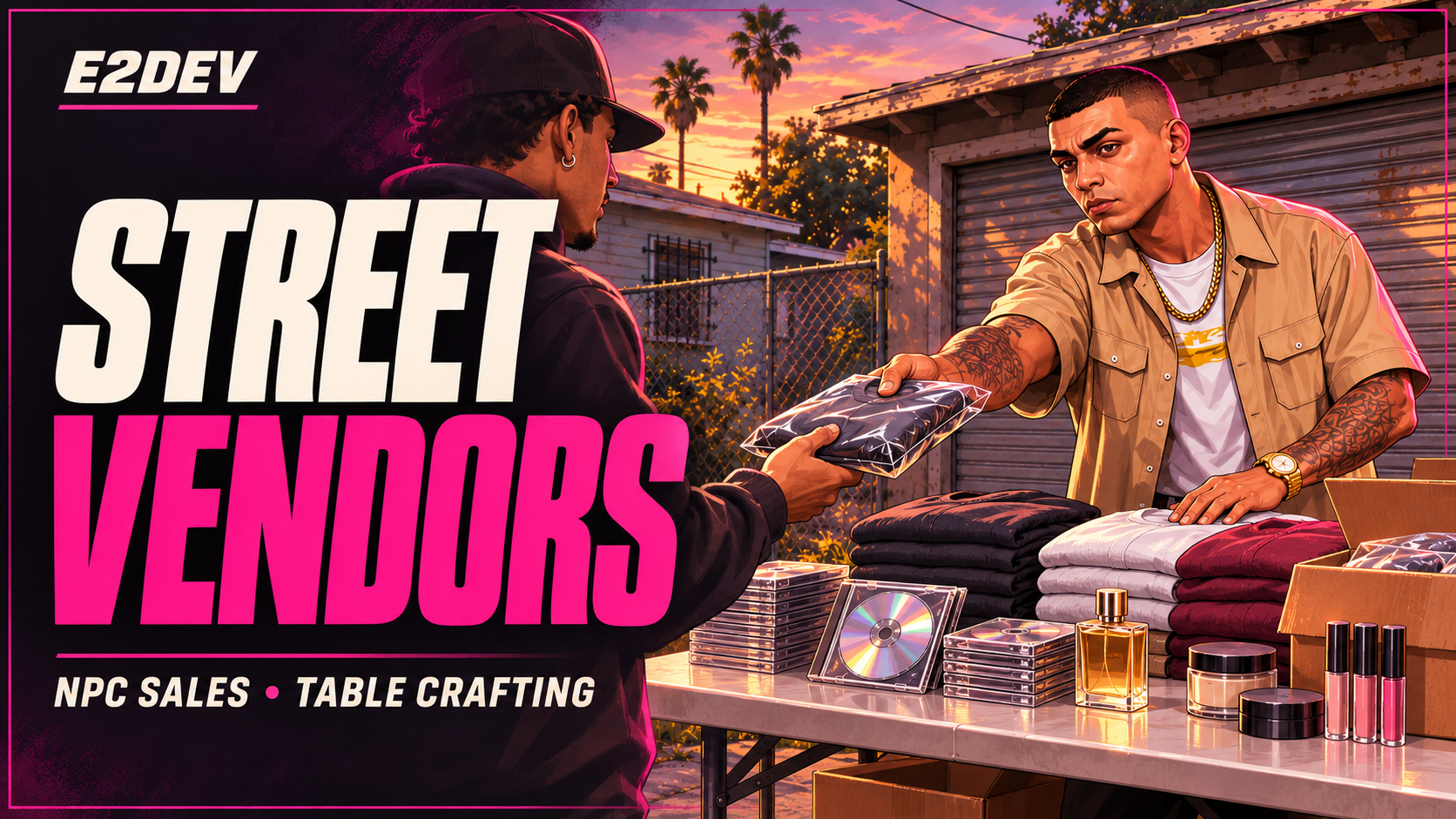
E2Dev Street Vendors
Build a street hustle around crafting, NPC customers and the risk of getting caught.
Turn a folding table into a working street business. Craft merchandise, buy wholesale stock, negotiate with approaching NPC customers and build a relationship with Rico, your equipment contact. Choose between Street and Beauty & Fashion catalogs, then grow your operation through vendor XP, equipment upgrades and better selling opportunities.
A complete vending loop
- NPC customers: Customers approach your table naturally. Arrival rates respond to district demand, population, time and selling hotzones.
- Interactive crafting: Browse recipes, drag ingredients onto the worktable and choose quantities. Bulk orders run a full crafting animation for each craft, with finished products building into a visible stack.
- Two product families: Sell media, streetwear, footwear and electronics, or specialize in hair, cosmetics, fragrance, fashion and jewelry. Includes 40 merchandise recipes.
- Flexible supply access: Use an inventory-style supply shop inside crafting, or configure scattered supplier NPCs. Table shopping is enabled by default.
- Wholesale stock: Separate Street and Beauty shops sell ready-made merchandise in item-specific packs of 10, 15 or 20. Buying to resell leaves a smaller margin than crafting.
- Negotiation: Price ranges, counteroffers, bargaining tactics and customer patience make each sale more involved than accepting a fixed price.
- Rico's connections: Buy vending equipment from The Plug. As your working relationship grows, ask him in person about selling spots and unlock more tips.
- Street risks: NPC theft, customer police reports, warning cues, raids, confiscation and fines give players reasons to watch their surroundings.
- Progression and equipment: Earn vendor XP, unlock merchandise and improve your table's stock capacity and security.
- Protected returns: Equipment, stock and interrupted crafting inputs use recovery flows. Default cleanup handles logout, extended owner absence and server restarts.
Interface and customization
A compact dark-plum interface with hot-pink accents, item imagery, recipe browsing and quantity controls. Includes 152 inventory images and matching item definitions, staff administration, demand-zone tools, analytics, audits and optional server-side webhooks.
Configure catalogs, recipes, pricing, supply access, NPC locations, progression, cleanup, enforcement and the UI theme. Bought and crafted versions of the same merchandise use compatible inventory metadata with weighted resale-cost tracking; custom variants remain separate.
Requirements
- FiveM Legacy / GTA V Legacy
- ox_lib, oxmysql, ox_inventory and ox_target
- A database compatible with the supplied MariaDB-style migration SQL
- Qbox, QBCore or ESX, or an explicitly configured standalone/custom adapter
Dependencies are installed separately. The inventory integration expects the ox_inventory export API; replacement inventories require compatible exports or adapter work. FiveM Enhanced is not targeted by this release.
Included with the resource
Customer install and quick-start guides, configuration and integration references, permission examples, troubleshooting, SQL migrations and the inventory image pack. Built UI files are supplied; no frontend build step is required.
Escrow information
Designed for Cfx.re Asset Escrow distribution. Configuration files and documented framework/inventory adapters remain editable. NUI HTML, CSS, JavaScript and images remain readable.
Please note: Default gameplay is NPC-only vending without business-license registration. Player-to-player retail sales are not part of the customer flow. Staff ingredient grants and temporary-level tools are disabled by default in the customer build.